


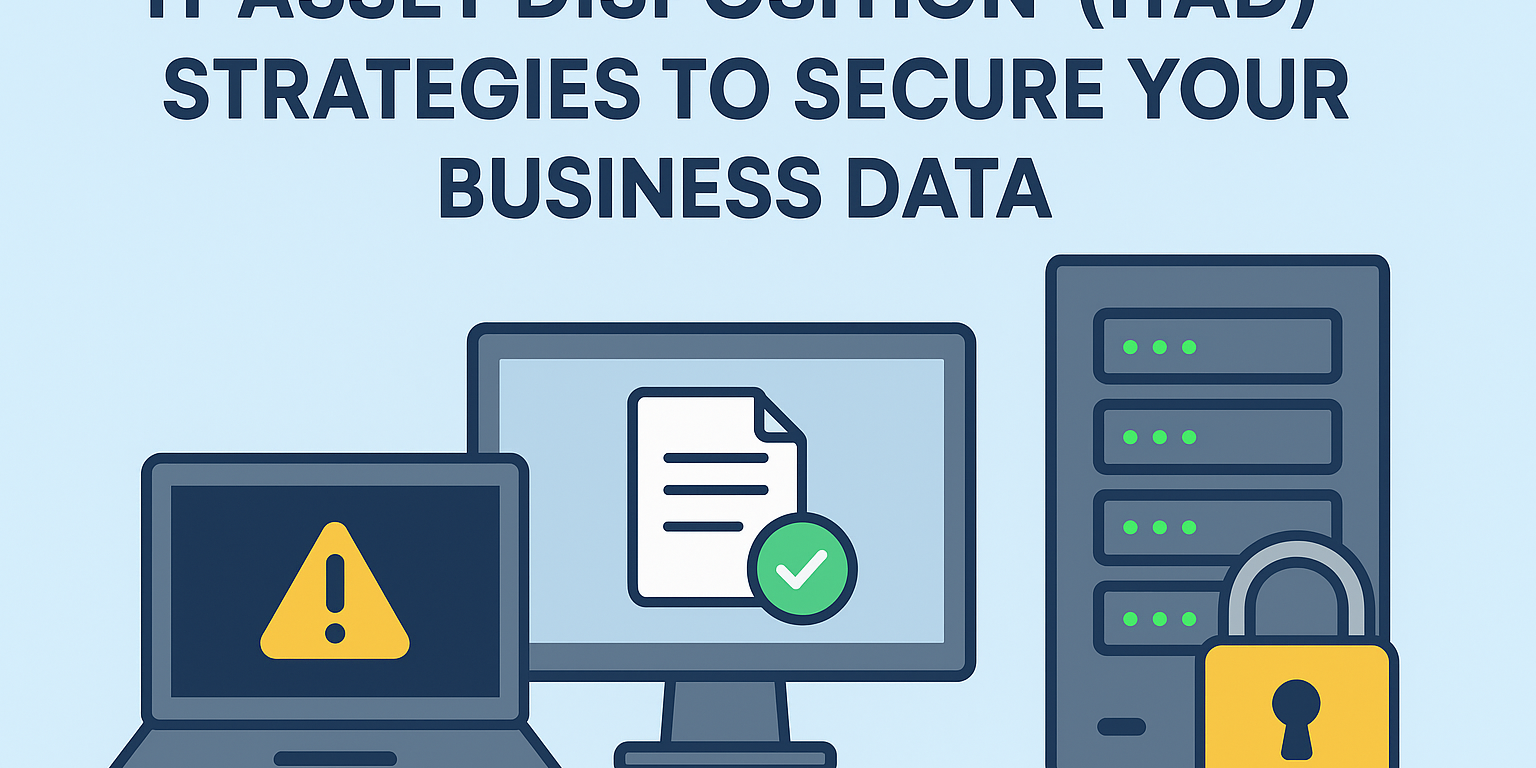
IT Asset Disposition (ITAD) is the secure and responsible process for retiring old IT equipment. As laptops, servers, and storage devices reach the end of their life, they often still contain sensitive business data. Without a proper IT Asset Disposition (ITAD) strategy, this data can be exposed, lost, or misused.
By following a structured ITAD process, businesses can protect data, meet compliance requirements, and reduce security risks. In this guide, you will learn five practical IT Asset Disposition strategies that help secure retired IT assets and keep your organization safe.
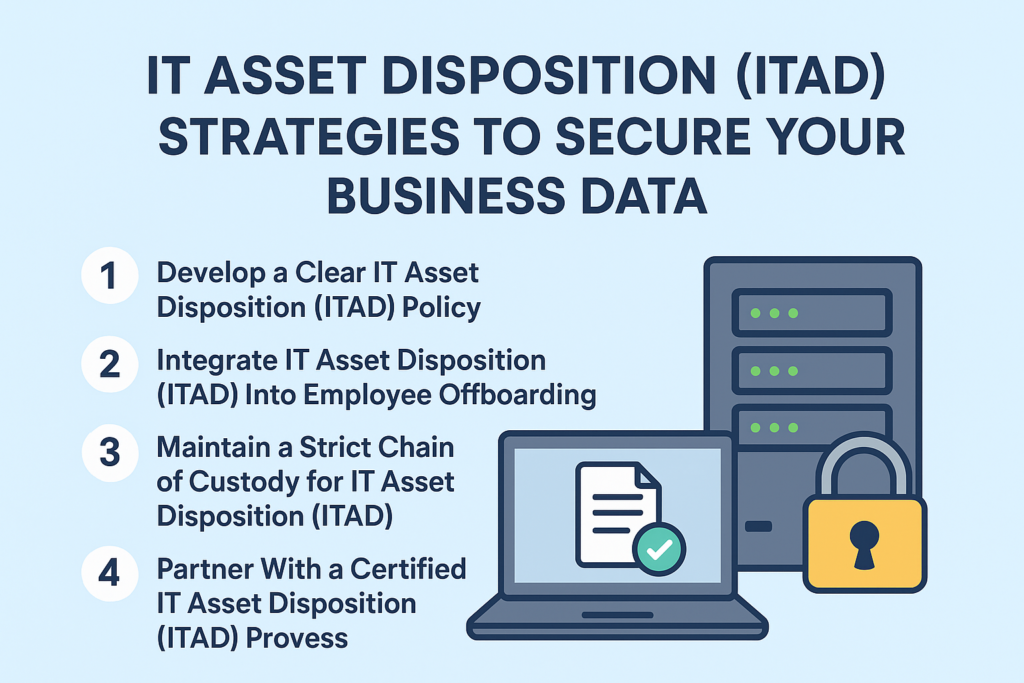
1.Develop a Clear IT Asset Disposition (ITAD) Policy
You cannot protect what you do not plan for. First, create a clear and simple ITAD policy that defines responsibilities and procedures. Avoid unnecessary technical jargon and focus on clarity.
At a minimum, your policy should include:
- The process for retiring company-owned IT assets
- Who initiates, approves, and handles each device
- Approved standards for data destruction and reporting
By defining these steps upfront, you create consistency and accountability. More importantly, you establish a secure chain of custody that turns ITAD from a one-time task into a repeatable and reliable security process.ructured chain of custody. This approach transforms a one-off task into a secure routine and strengthens your overall security posture.
2.Integrate IT Asset Disposition (ITAD) Into Employee Offboarding
Many organizations experience data leaks simply because former employees keep company devices. Therefore, device recovery must become a mandatory step in the offboarding process.
When an employee leaves, your IT team should automatically receive a notification. As a result, they can immediately collect all issued equipment, including laptops, mobile phones, tablets, and external drives.
Once recovered, the IT team should securely wipe each device using approved data sanitization methods. Then, they can either redeploy usable equipment or move outdated assets into the ITAD workflow. This proactive approach closes a common security gap and prevents data from leaving your organization.
3.Maintain a Strict Chain of Custody for IT Asset Disposition (ITAD)
After devices leave an employee’s possession, tracking becomes essential. A documented chain of custody records every step an asset takes during the ITAD process.
To ensure full accountability, document the following:
- Transfer dates
- Individuals handling the asset
- Status updates
- Storage locations
Whether you use a digital system or a manual log, this documentation provides a verifiable audit trail. Consequently, your organization can demonstrate compliance, transparency, and due diligence during audits or investigations.
4.Prioritize Data Sanitization in Your Process
Many businesses assume physical destruction offers the only secure option. However, data sanitization often provides equal—or better—protection.
Certified data wiping software overwrites storage media multiple times, making original data permanently unrecoverable. As a result, organizations can safely refurbish and reuse devices instead of destroying them.
This strategy supports sustainability goals, reduces e-waste, and may even generate resale value. Therefore, data sanitization not only protects sensitive information but also extends the useful life of IT assets.
5. Partner With a Certified Provider
Small and mid-sized businesses often lack the specialized tools required for secure data destruction and compliant recycling. For this reason, working with a certified ITAD provider makes sense.
When choosing a vendor, look for recognized certifications such as:
- e-Stewards
- R2v3 (Responsible Recycling)
- NAID AAA Certification
These credentials confirm that the provider follows strict standards for data security, environmental responsibility, and ethical recycling. After completion, the provider should issue a certificate of disposal, which serves as proof of compliance during audits.g compliance during audits.
Turn Retired IT Assets Into a Security Advantage
Outdated technology is not just clutter—it becomes a liability when handled improperly. However, a structured IT Asset Disposition strategy transforms that risk into a competitive advantage.
By implementing ITAD best practices, you demonstrate your commitment to data security, regulatory compliance, and sustainability. Most importantly, you protect your business from costly data breaches and reputational damage.
Ready to secure your IT asset lifecycle?
Contact us today to learn how our ITAD solutions can protect your organization and support long-term growth.